
Text
Options listed below can must be set using the plug-in page item attribute Initialization JavaScript Code, see an example below.
function( pOptions ){ pOptions.optionName = optionValue; return pOptions;}Font family
Section titled “Font family”fontFamily
Section titled “fontFamily”The option fontFamily defines available fonts for a document.
function( pOptions ){  pOptions.fontFamily = {    'Arial,Helvetica,sans-serif': 'Font 1',    'Impact,Charcoal,sans-serif': 'Font 2',    'Tahoma,Geneva,sans-serif': 'Font 3'  };
  return pOptions;}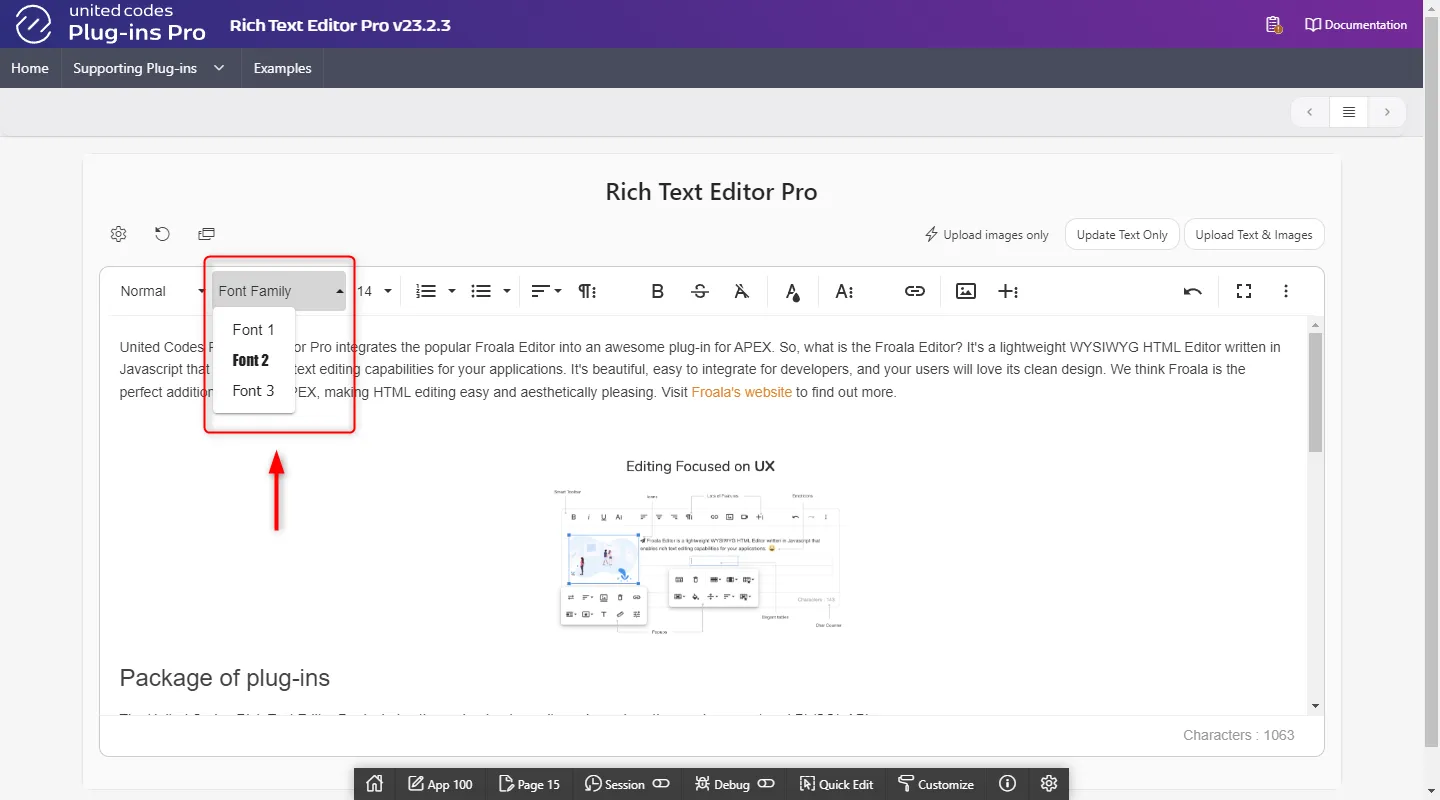
fontFamilySelection
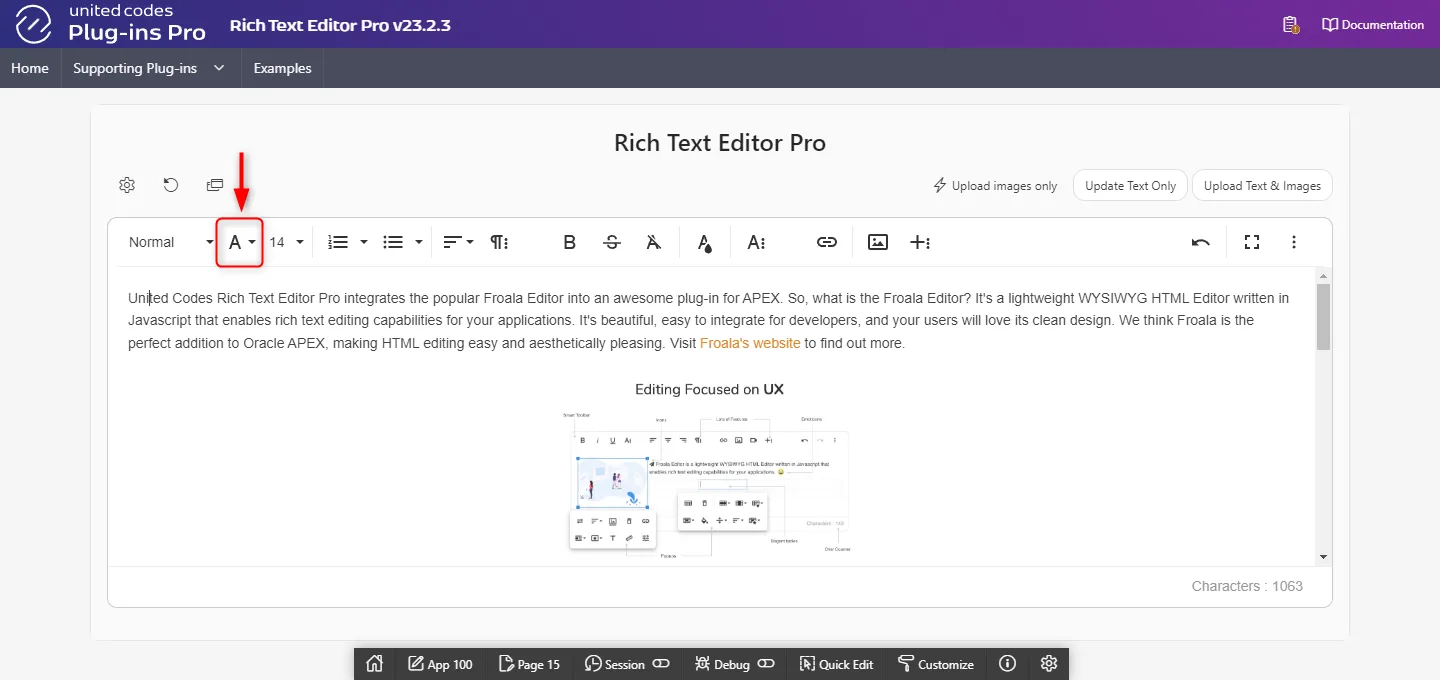
Section titled “fontFamilySelection”The option fontFamilySelection is a boolean flag enabling or disabling preview of the current font family in the toolbar for the currently focused paragraph.
function( pOptions ){ pOptions.fontFamilySelection = true; return pOptions;}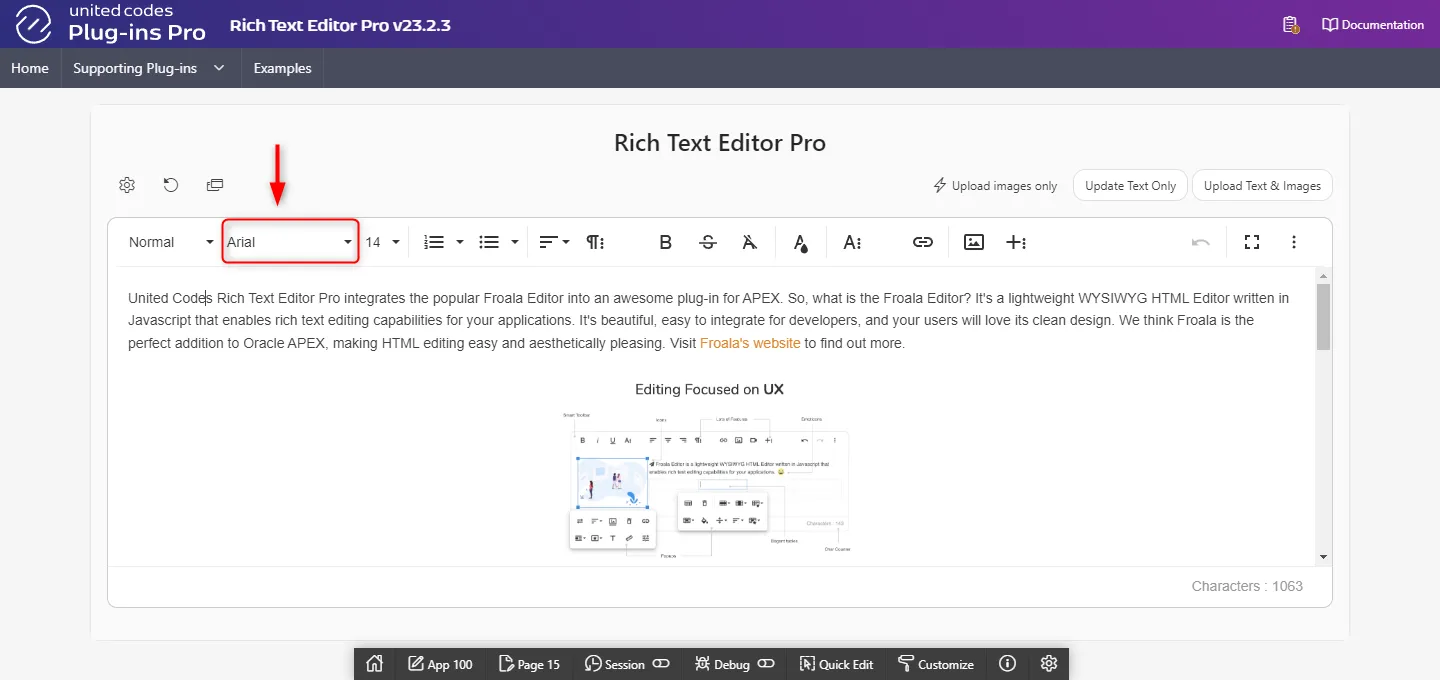
fontFamilyDefaultSelection
Section titled “fontFamilyDefaultSelection”The option fontFamilyDefaultSelection defines what text is displayed when the font family is unknown or nothing is selected.
function( pOptions ){ pOptions.fontFamilyDefaultSelection = 'Font not specified'; return pOptions;}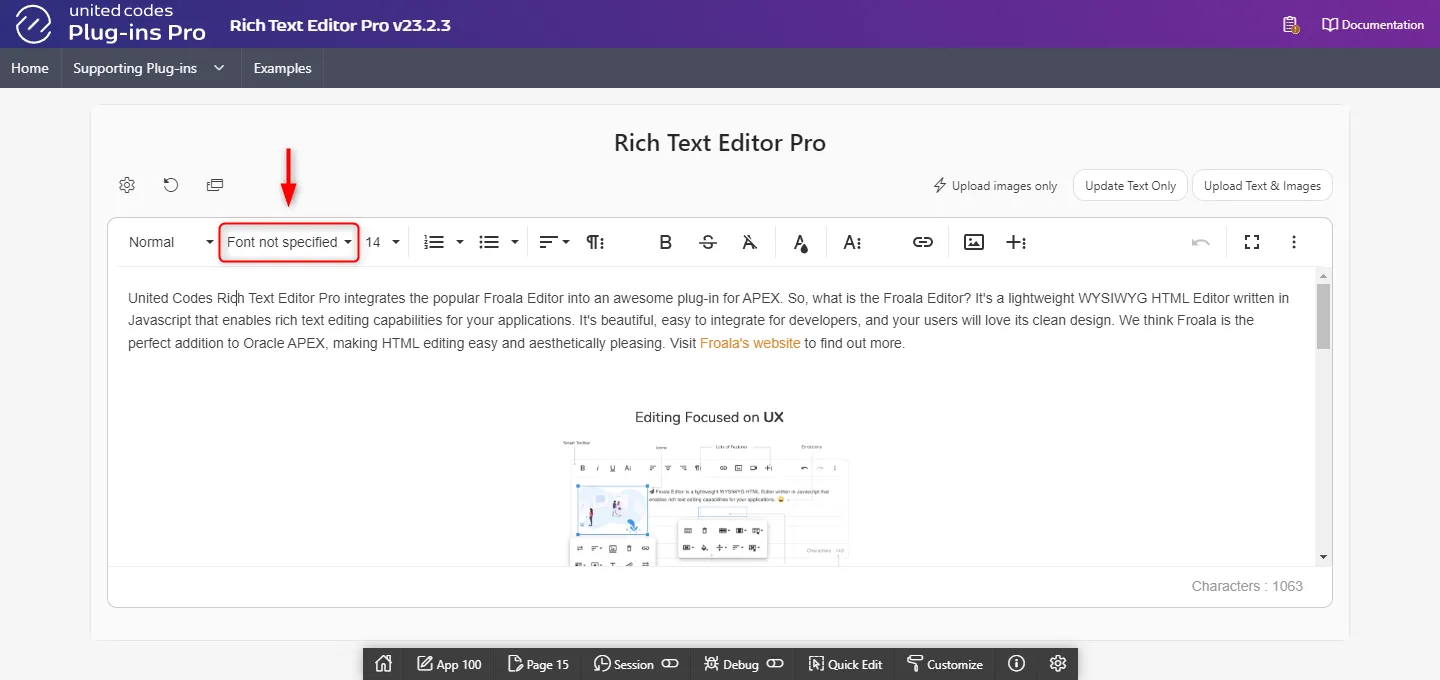
Font size
Section titled “Font size”fontSize
Section titled “fontSize”The option fontSize defines the font sizes that appear under the Font Size button from the rich text editor’s toolbar.
function( pOptions ){ pOptions.fontSize = ['12', '14', '18']; return pOptions;}
fontSizeSelection
Section titled “fontSizeSelection”The option fontSizeSelection is a boolean flag enabling or disabling preview of the current font size in the toolbar for the currently focused paragraph.
function( pOptions ){ pOptions.fontSizeSelection = true; return pOptions;}

fontSizeDefaultSelection
Section titled “fontSizeDefaultSelection”The option fontSizeDefaultSelection defines what text is displayed when the font size is unknown or nothing is selected.
function( pOptions ){ pOptions.fontSizeDefaultSelection = '?'; return pOptions;}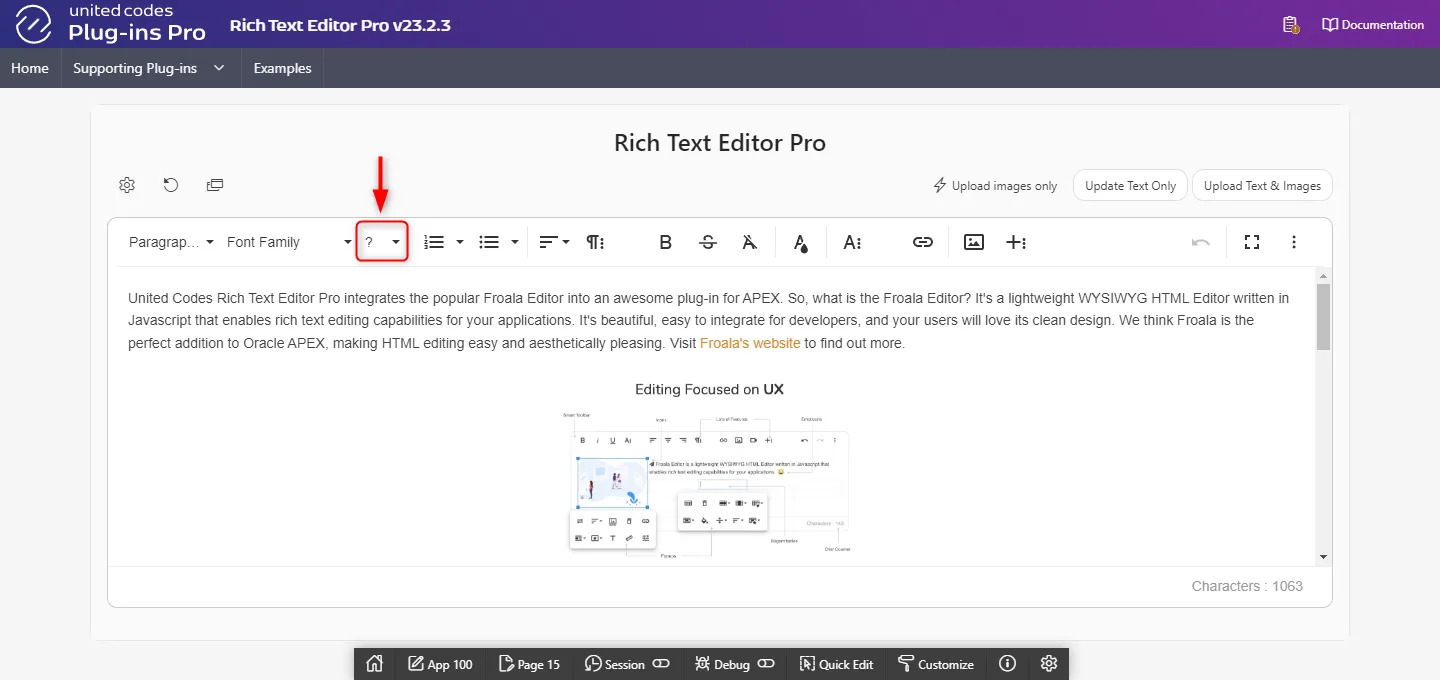
fontSizeUnit
Section titled “fontSizeUnit”The option fontSizeUnit defines the unit to be used for the font size.
function( pOptions ){ pOptions.fontSizeUnit = 'px'; return pOptions;}Styling text
Section titled “Styling text”inlineStyles
Section titled “inlineStyles”The option inlineStyles defines inline styles applicable to the currently selected text in a document. To remove inline style, the toolbar button clear formatting must be used.
For example, applying default style Big Red results in adding inline styles to currently selected text:
<span style="font-size: 20px; color: red;">United Codes Rich Text Editor Pro</span>function( pOptions ){ pOptions.inlineStyles = { "Big Red": "font-size: 20px; color: red;", "Small Blue":"font-size: 14px; color: blue;" };
return pOptions;}
inlineClasses
Section titled “inlineClasses”The option inlineClasses defines CSS class names applicable to the currently selected text in a document. To remove class, the toolbar button clear formatting must be used.
For example, applying default class Highlighted results in adding class fr-class-highlighted to currently selected text:
<span class="fr-class-highlighted">United Codes Rich Text Editor Pro</span>:::danger Notice about inline classes
Inline classes are only visible when a document is displayed along with a custom CSS rules.
:::
function( pOptions ){  pOptions.inlineClasses = {    "fr-class-code":"Code",    "fr-class-highlighted":"Highlighted",    "fr-class-transparency":"Transparent"  };
  return pOptions;}
Colors
Section titled “Colors”colorsBackground
Section titled “colorsBackground”The option colorsBackground defines colors available in color popup for text background.
function( pOptions ){ pOptions.colorsBackground = [ '#000000', '#F37934', '#2C82C9', '#41A85F', 'REMOVE' ]; return pOptions;}
colorsText
Section titled “colorsText”The option colorsText defines colors available in color popup for selected text.
function( pOptions ){ pOptions.colorsText = [ '#000000', '#F37934', '#2C82C9', '#41A85F', 'REMOVE' ]; return pOptions;}
colorsStep
Section titled “colorsStep”The option colorsStep defines how many colors are displayed in a row in popup for text and background.
function( pOptions ){ pOptions.colorsStep = 10; return pOptions;}

colorsHEXInput
Section titled “colorsHEXInput”The option colorsHEXInput allows applying custom HEX color through color popup input. When disabled, the color input is not available.
function( pOptions ){ pOptions.colorsHEXInput = true; return pOptions;}
