Functionality
Functionality
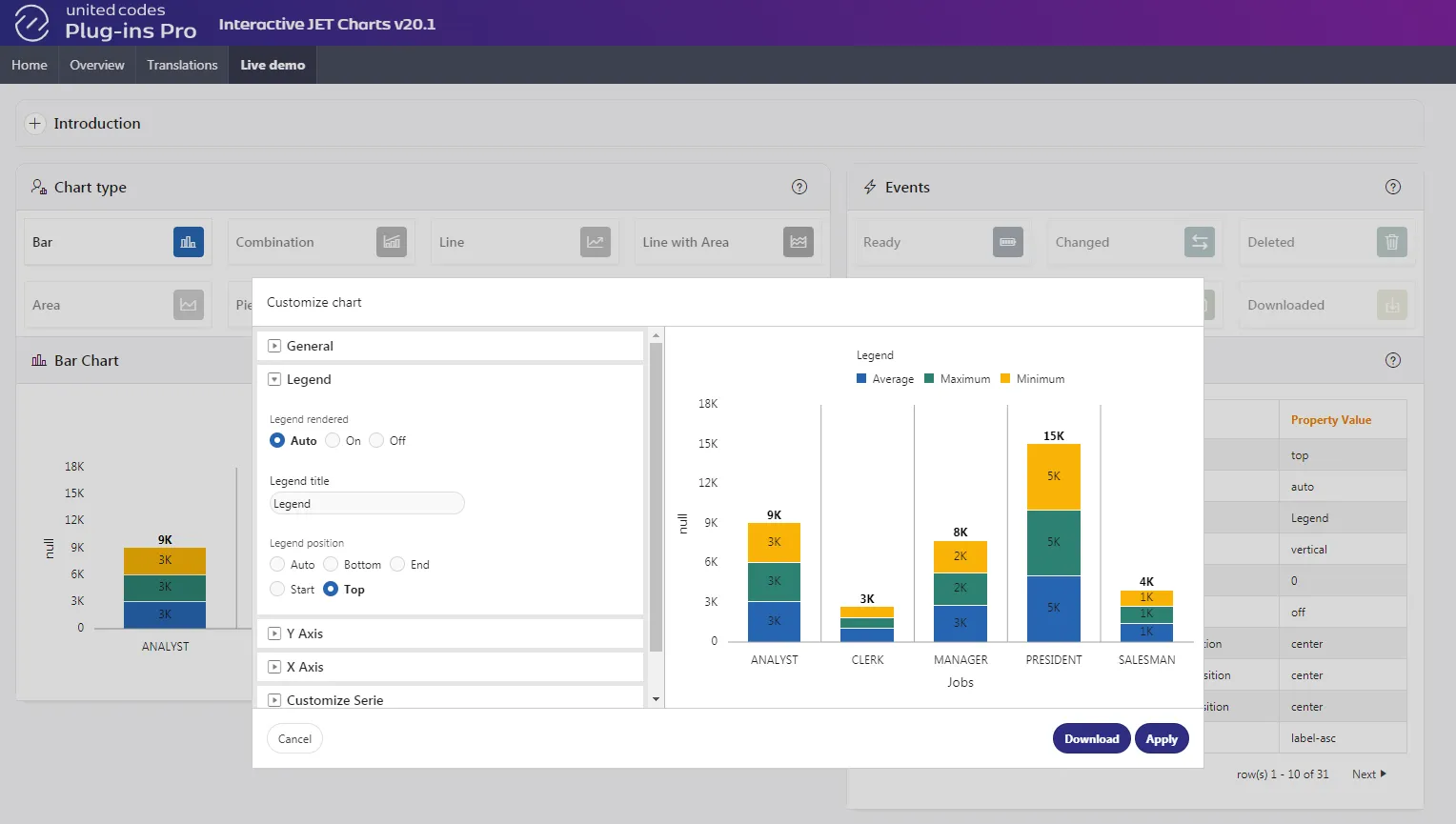
Section titled “Functionality”The plug-in enables customizing Oracle APEX JET charts with the plug-in interface exposing JET chart attributes.
Download
Section titled “Download”When selected, the plug-in generates a PNG image and forces the download of it.
Settings
Section titled “Settings”When selected, the plug-in generates an interface allowing chart attribute customization. The customization can be done using 37 (in total) JET chart attributes. Applied customizations can be saved using Reports // Save functionality.
Reports
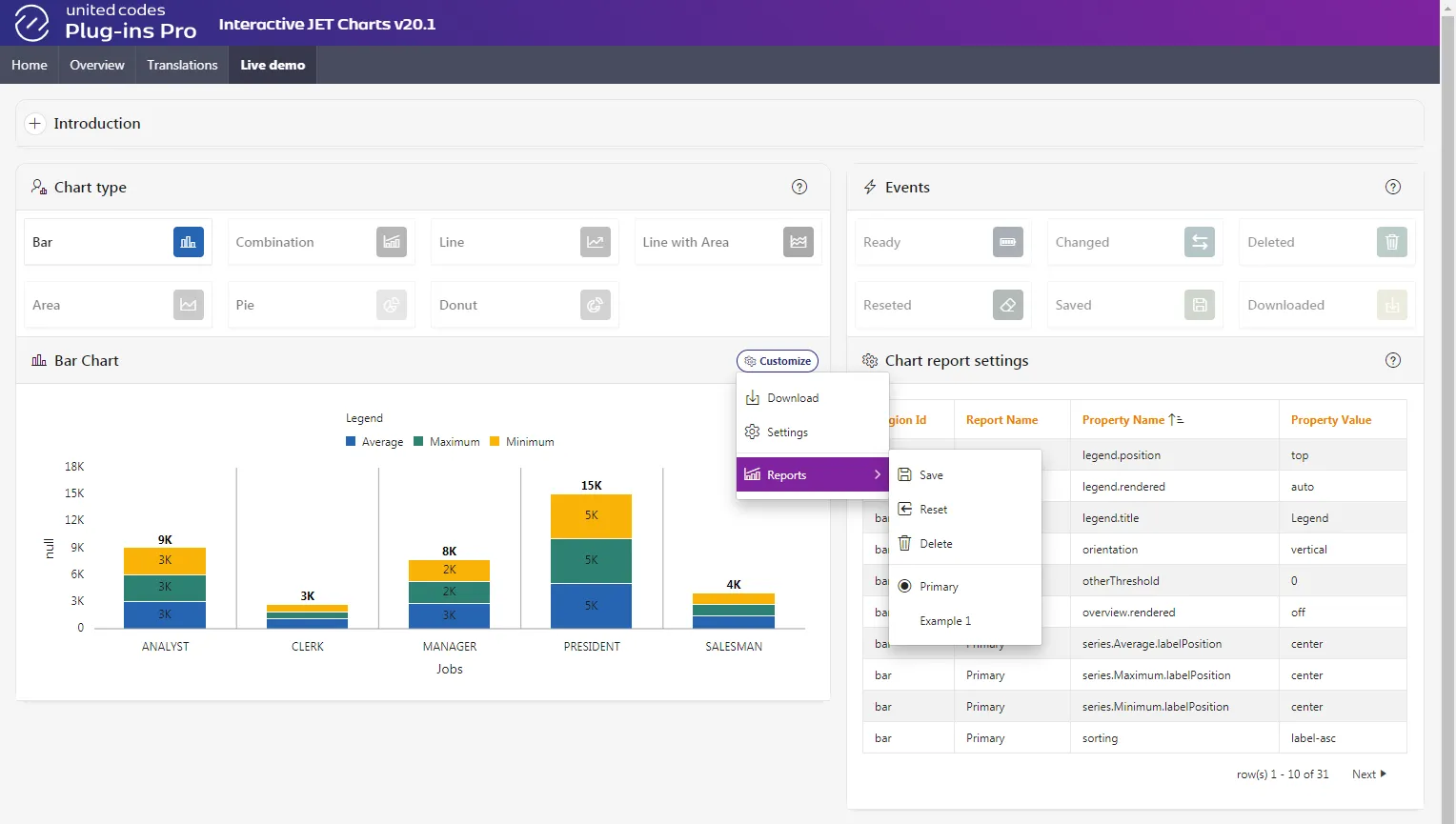
Section titled “Reports”The plug-in allows end-users to save customizations done to a named chart report.
Reports // Save
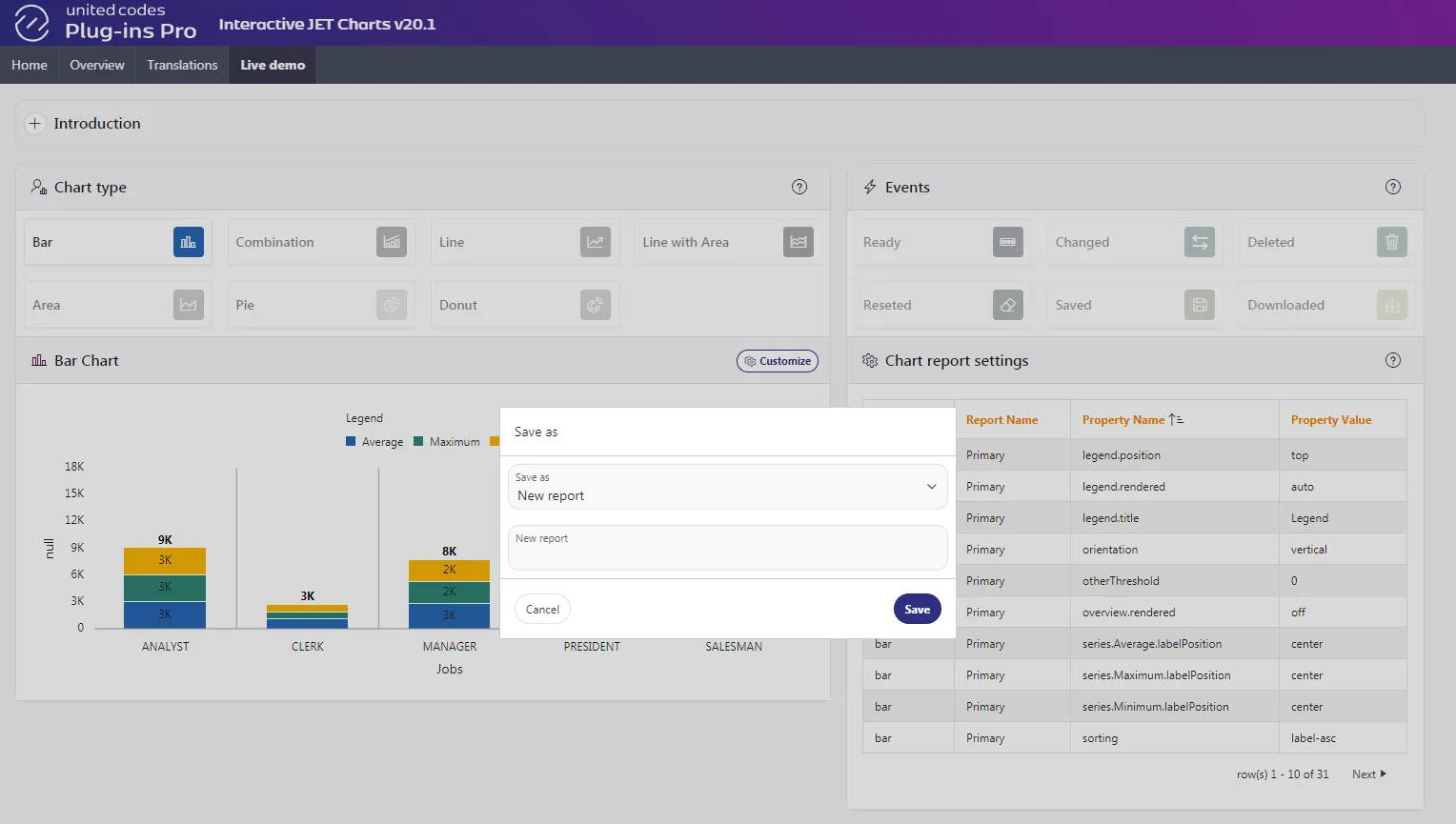
Section titled “Reports // Save”When selected, the plug-in generates an interface that allows the user to save any customizations applied to a chart. The plug-in calls a save procedure (defined in the plug-in application attributes) and displays a developer-defined message on success.
Reports // Reset
Section titled “Reports // Reset”When selected, the plug-in restores chart attributes to the initial state defined by the application developer.
Reports // Delete
Section titled “Reports // Delete”When selected, the plug-in deletes the currently selected chart report. The plug-in calls a delete procedure (defined in the plug-in application attributes) and displays a developer-defined message on success.
When a chart report is not selected the delete functionality is disabled.
Reports // Sub-menu
Section titled “Reports // Sub-menu”When selected, the plug-in displays a sub-menu with entries Save, Reset, Delete (the plug-in functionalities), and, below a separator, a list of saved reports. Selecting a saved report results in loading the saved customization to a chart.
Help in the Application Builder
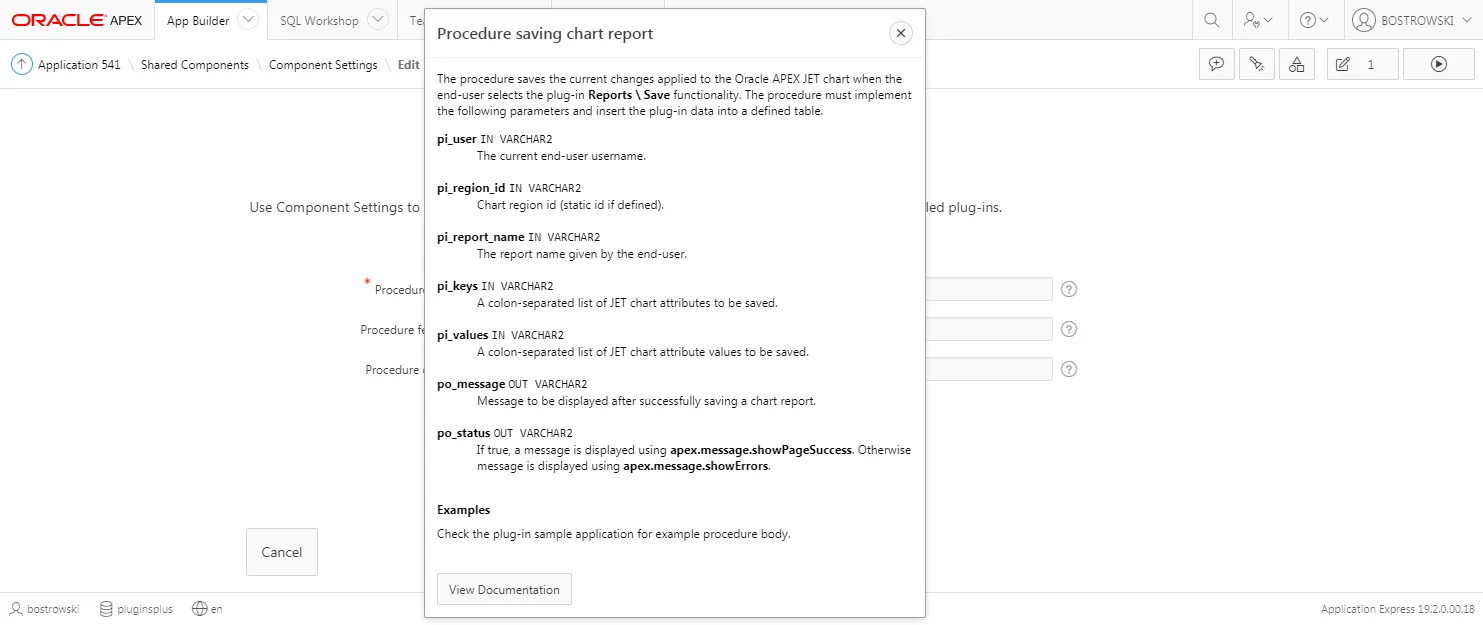
Section titled “Help in the Application Builder”The plug-in attributes are exposed along with help text built into the application builder for the plug-in application components.
Example help for the Component Settings // Procedure saving chart report