
Users and groups
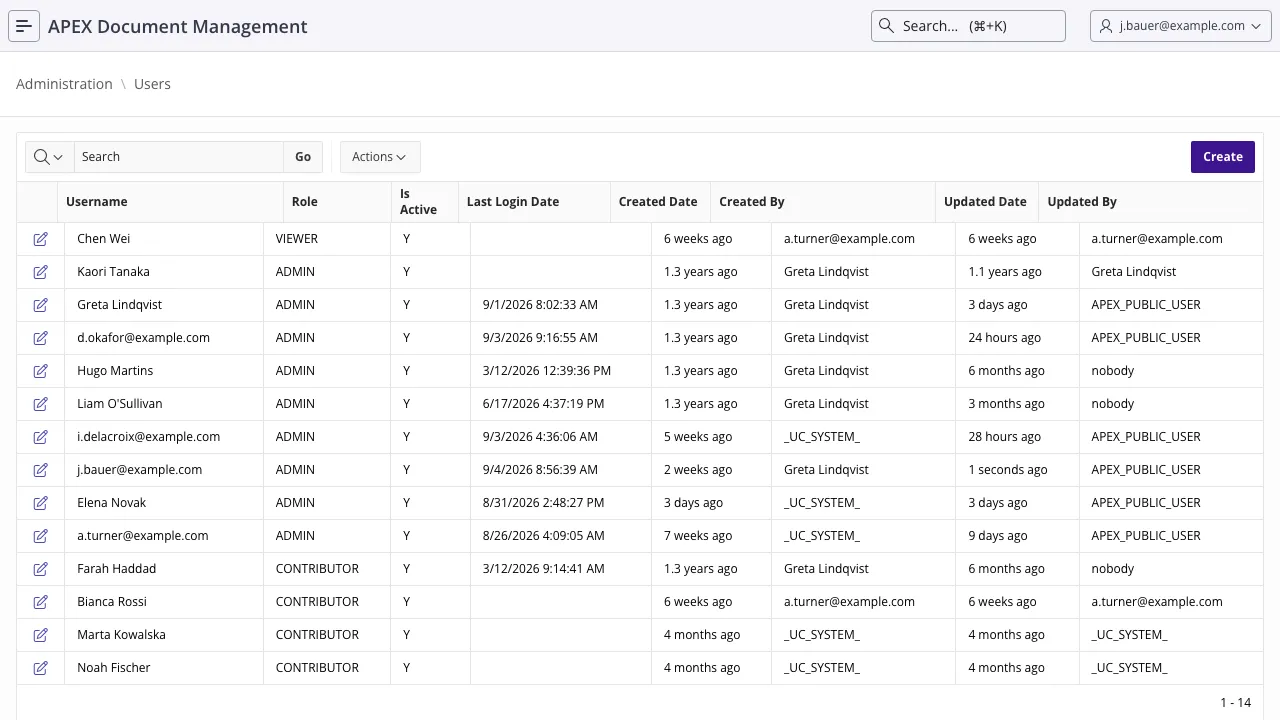
ADM keeps its own list of users. Authenticating into the APEX application is not enough — a person
who is not in adm_users is nobody to ADM and has no home folder.
Creating one
Section titled “Creating one”In the application: Administration → Users → Create. There is also Add Multiple Users for onboarding a batch.
From PL/SQL:
declare  l_role_id number;begin  adm_context_api.system_login;
  select role_id    into l_role_id    from adm_roles   where role_name = 'CONTRIBUTOR';
  adm_user_api.add_user('JDOE', l_role_id);
  commit;end;/
Creating a user also creates their home folder at /users/<username> and a system-managed
trash folder inside it. See The filesystem.
| Role | May |
|---|---|
ADMIN | Everything, including the administration section and every file in the system. |
CONTRIBUTOR | Create, upload, edit and share, within their own rights. The normal user. |
VIEWER | Open and download what they have access to. Read-only. |
A user has exactly one role, changed by editing the user. The security model covers what the role gates and what it does not.
Deactivating
Section titled “Deactivating”Deactivating is not a soft rename or a pause. It is an access revocation:
begin adm_context_api.system_login; adm_user_api.deactivate_user('JDOE'); commit;end;/It sets is_active = 'N' and deletes:
- every link share for documents the user owns,
- every document share, both those they granted and those granted to them,
- every folder share, in both directions.
The user’s documents and folders are untouched: their home folder and everything in it stays exactly where it is, and an administrator can still reach it through the Root View.
Groups
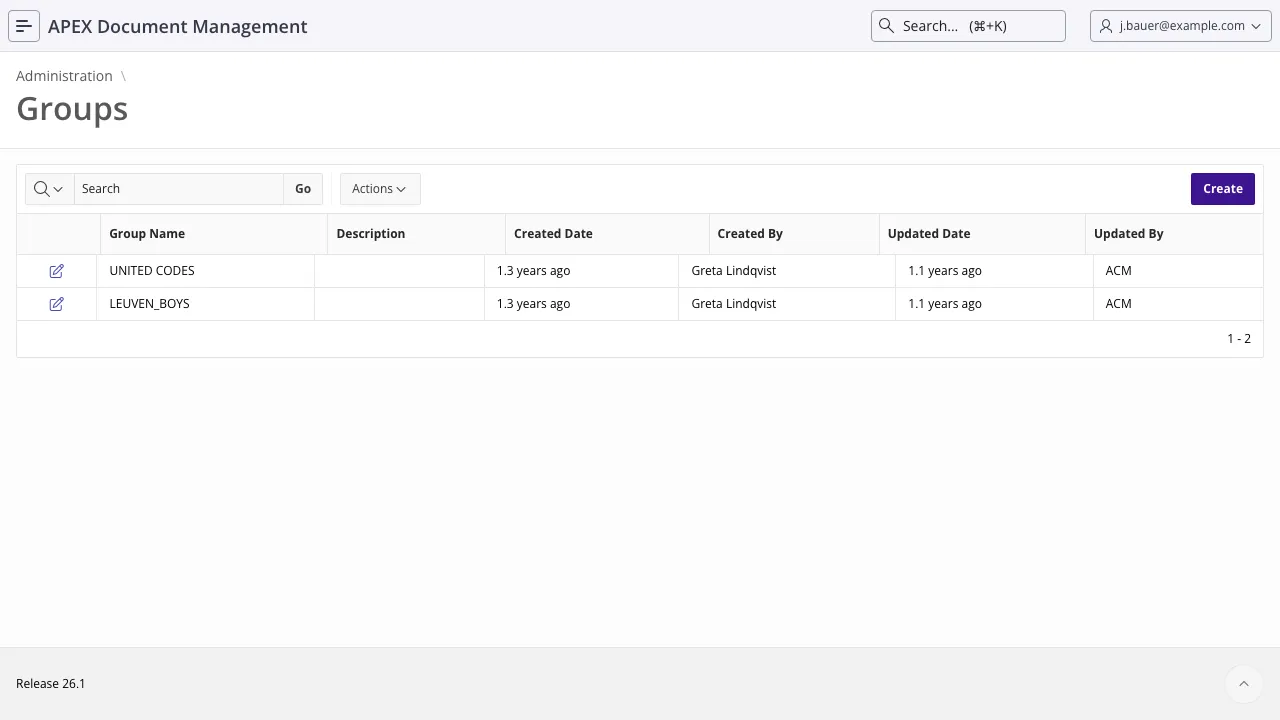
Section titled “Groups”A group is a named set of users. Two things follow from that:
- A group folder, at
/groups/<groupname>, accessible to every member. Give a department a shared working area this way, rather than sharing a folder with each person. - Group shares. A document or folder shared with a group is accessible to whoever is in the group at the time of access. New members inherit it; leavers lose it. Nobody revisits the share.
declare  l_group_id number;begin  adm_context_api.system_login;
  adm_group_api.create_group(    p_group_name  => 'FINANCE'  , p_description => 'Finance department'  , po_group_id   => l_group_id  );
  adm_group_api.add_user_to_group(    p_group_id => l_group_id  , p_user_id  => l_user_id  );
  commit;end;/
remove_user_from_group takes the same two ids. add_user_to_group takes a user id, not a
username.
Group tags
Section titled “Group tags”Groups can carry tags of their own, managed under Edit Group Tags. They classify the groups themselves — by department, cost centre, or whatever your organisation reports on.
Reporting
Section titled “Reporting”| View | Shows |
|---|---|
adm_report_users_v | Users with role, activity status, ownership counts and sharing statistics. |
adm_report_groups_v | Groups with member counts, ownership and sharing details. |
adm_report_document_shares_v · adm_report_folder_shares_v | Who has been given what. The starting point for an access review. |